

Manage delivery exceptions without losing control
Unexpected issues are part of everyday operations. Delays, absences, last-minute urgent requests… they shouldn’t disrupt your entire delivery day.
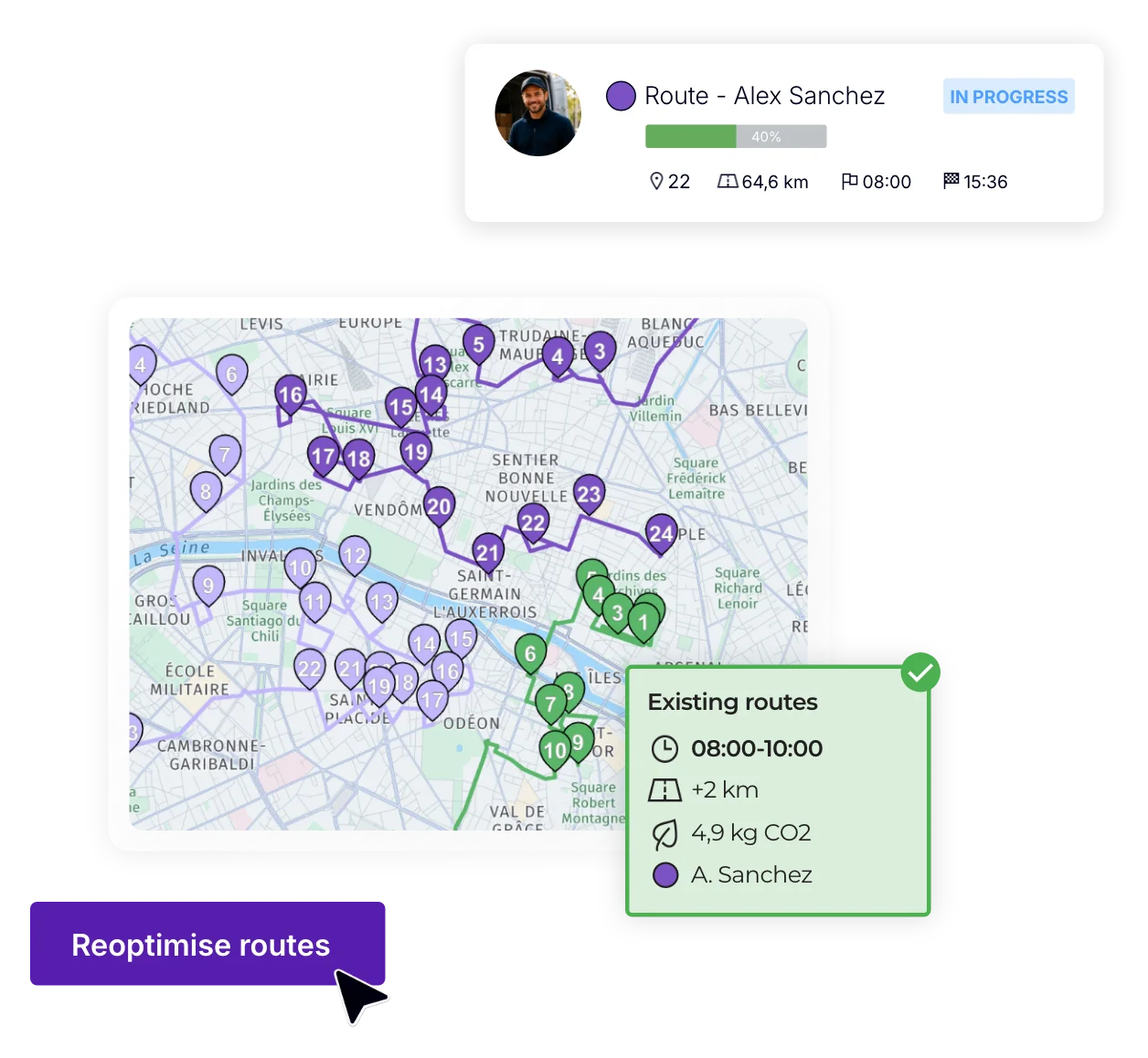
AntsRoute lets you adjust your routes throughout the day, helping you maintain consistent operations and stay in control.
7-day free trial. No commitment.
The real problem isn’t the unexpected issue
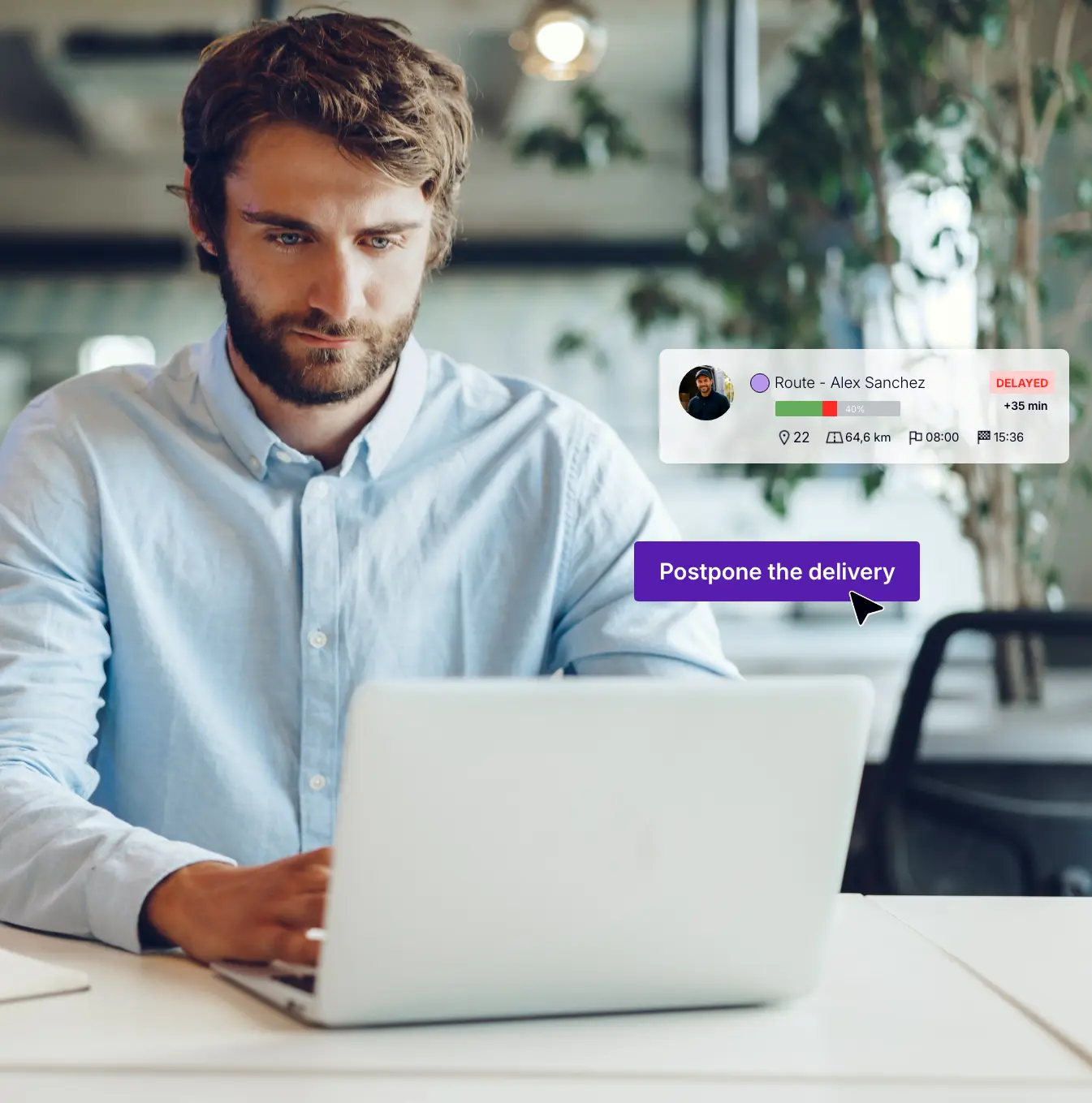
A driver is running late. A customer isn’t available. An urgent delivery needs to be added. A stop is cancelled at the last minute.
These situations are inevitable. They become a problem when a single change means manually reworking several routes, triggers a series of phone calls and puts commitments made to other customers at risk.
Delays ripple through the day. Information becomes inconsistent. Decisions have to be made under pressure, without always knowing how they will affect the rest of the day.
Managing unexpected issues effectively means acting quickly while maintaining the overall consistency of your routes.
Handle the situations that shape your day-to-day operations
AntsRoute helps you deal with the main events that can disrupt your operations.
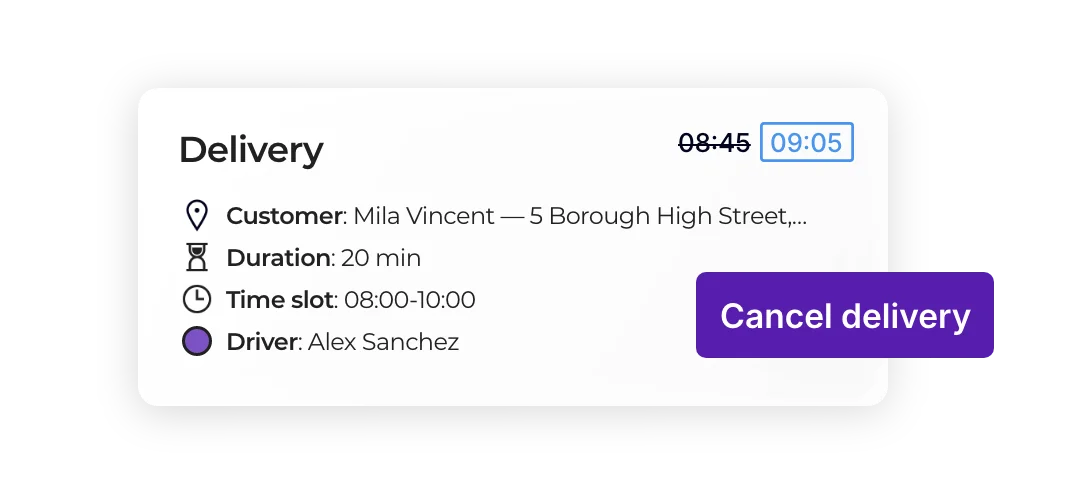
A delivery is cancelled or postponed
Remove the affected stop and use the time freed up to reorganise the rest of the day.
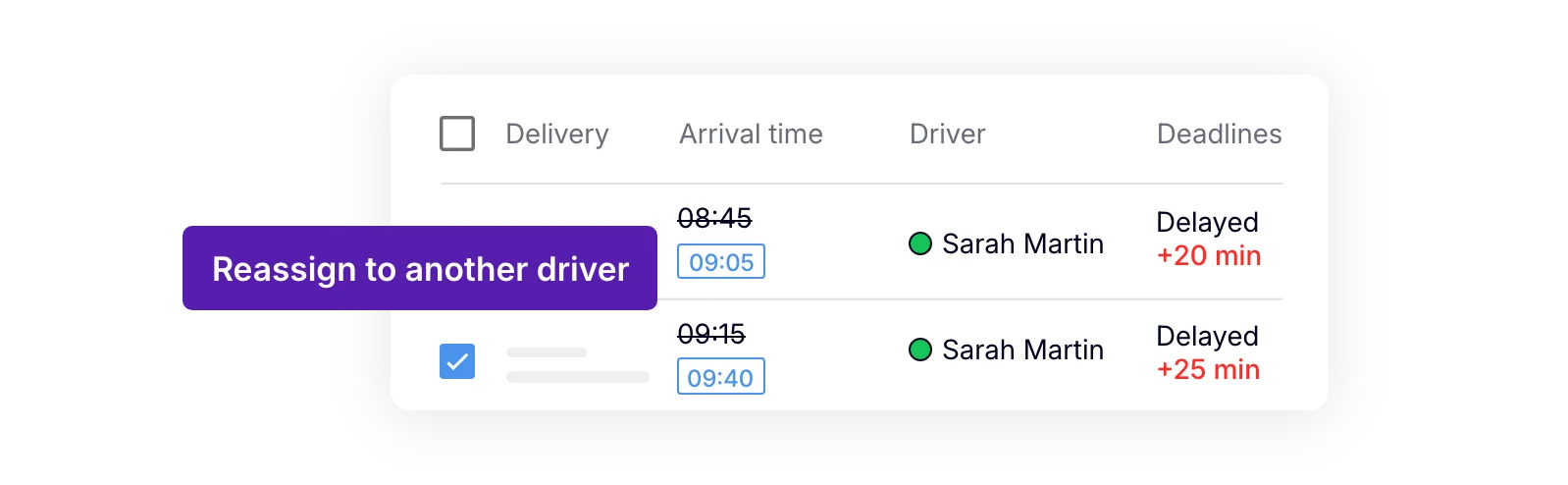
A driver becomes unavailable
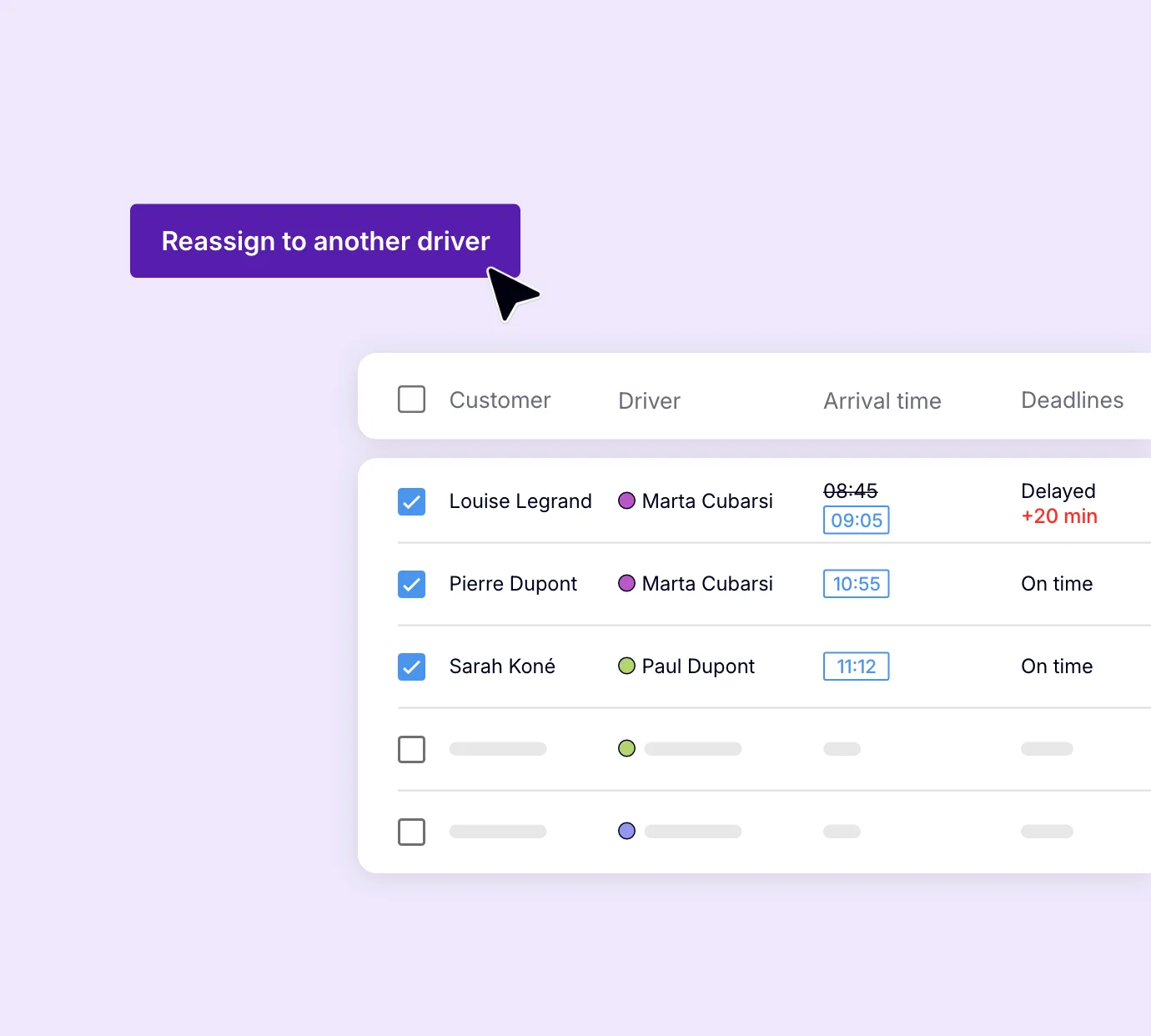
Reassign all or some of their deliveries to other team members, based on their routes and availability.
A customer is unavailable
Reschedule the delivery, move it to the end of the route or reorganise the following stops based on what’s possible that day.
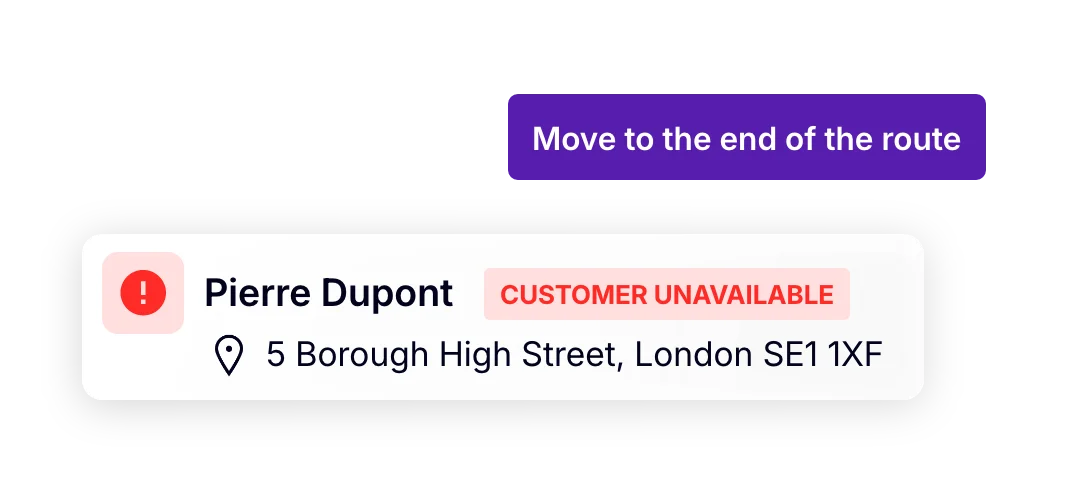
An urgent delivery needs to be added
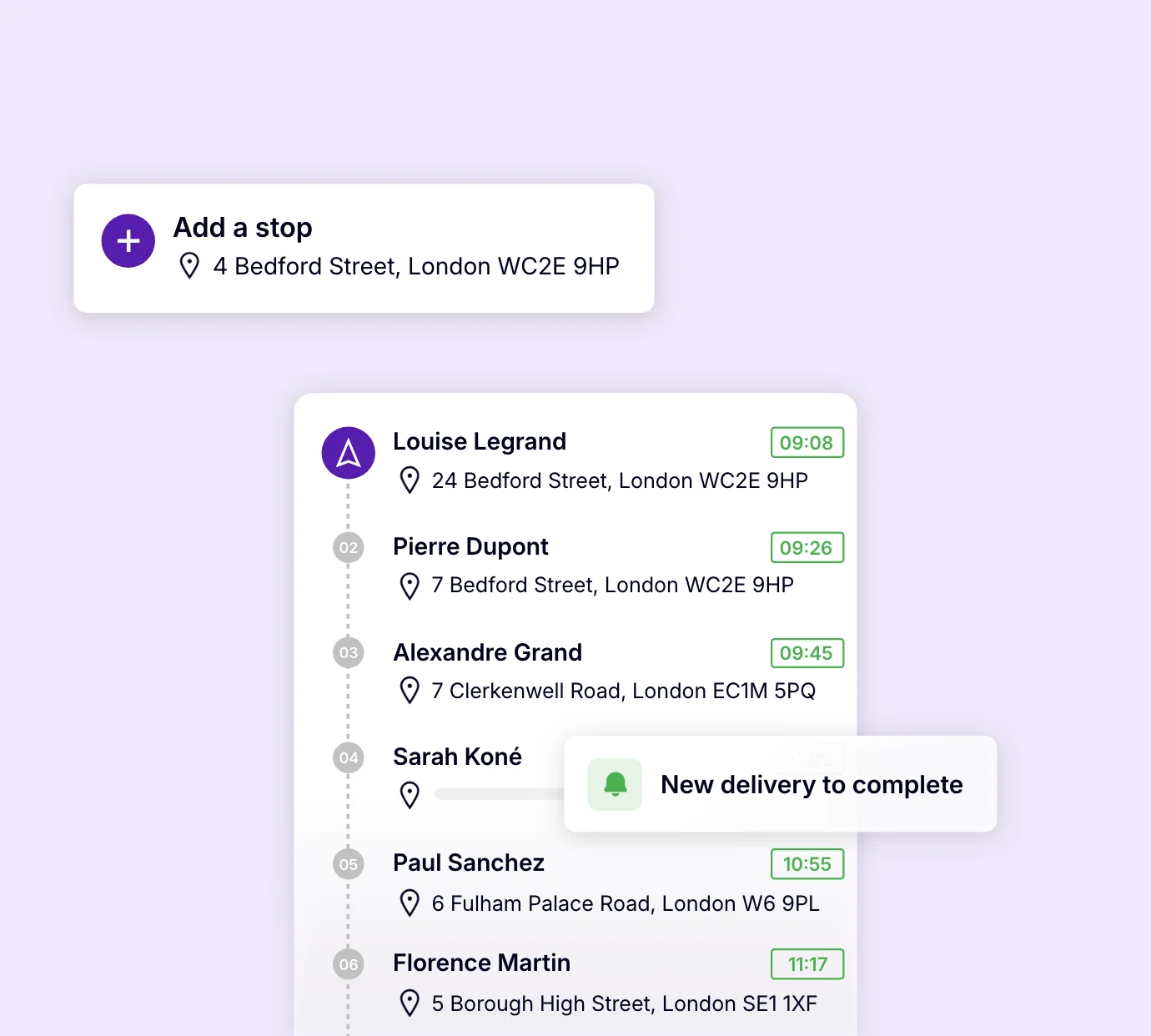
Add a new stop to a route already in progress and immediately send the updated instructions to the relevant driver.
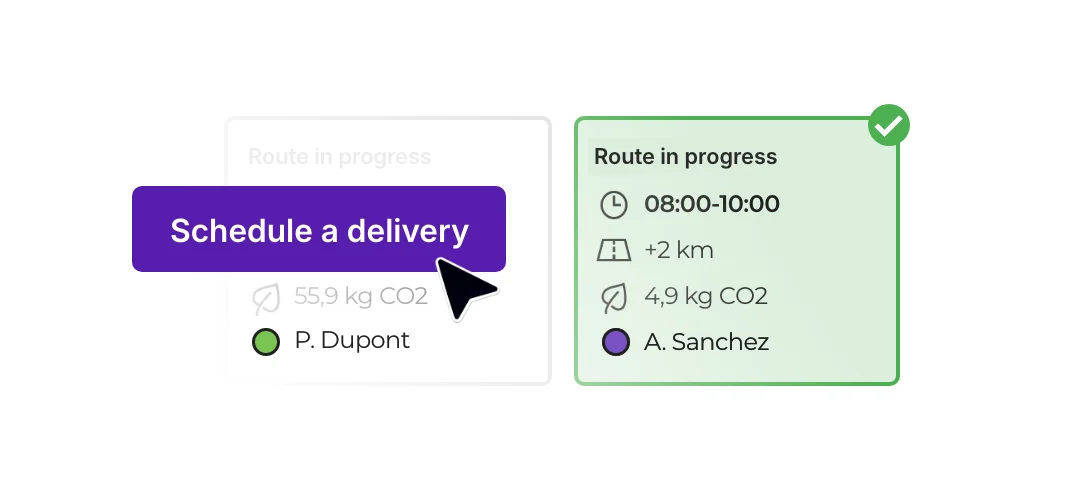
A driver is running late
Identify the affected deliveries and adjust your operations before the delay impacts the rest of the route.
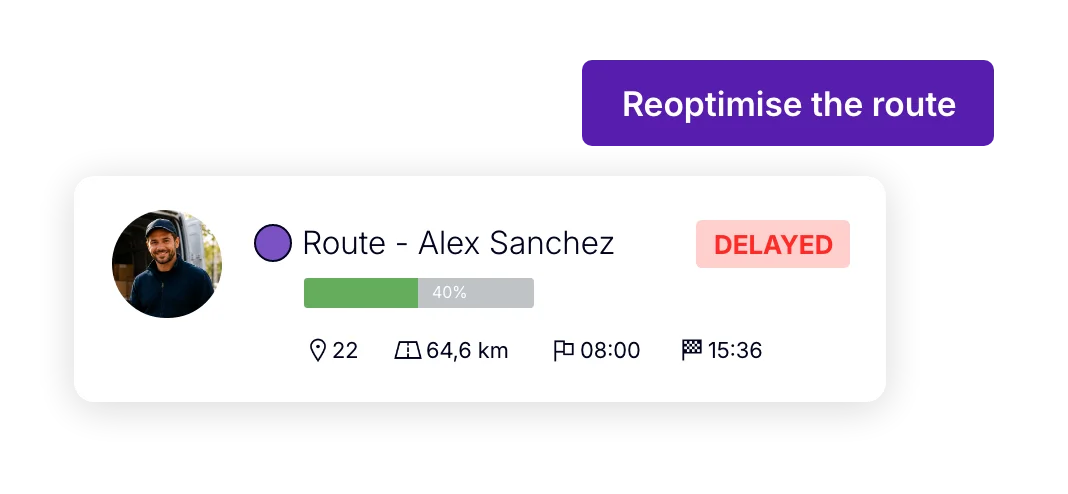
Adjust your routes without starting from scratch
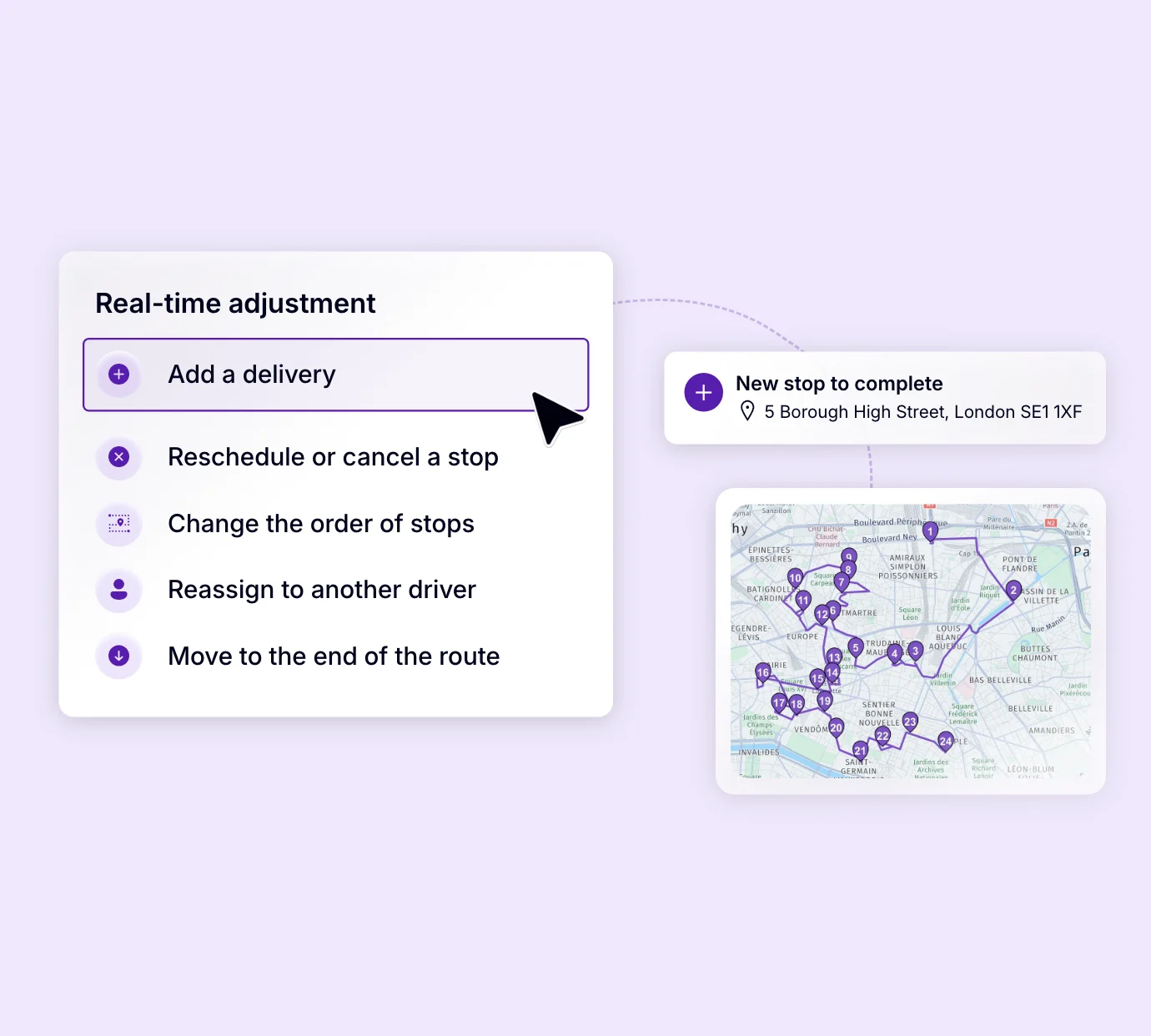
With AntsRoute, an unexpected issue doesn’t mean reworking your entire operation. From the web interface, you can:
- add a delivery to a route already in progress;
- cancel or reschedule a stop;
- change the order of stops;
- reassign a delivery to another driver;
- move a stop to the end of the route;
- add an unassigned delivery.
You adapt the schedule to what’s actually happening in the field, without having to manually rebuild every route.
The aim isn’t simply to change a route. It’s to maintain, as far as possible, the overall balance of the day, scheduled arrival times and your teams’ workloads.
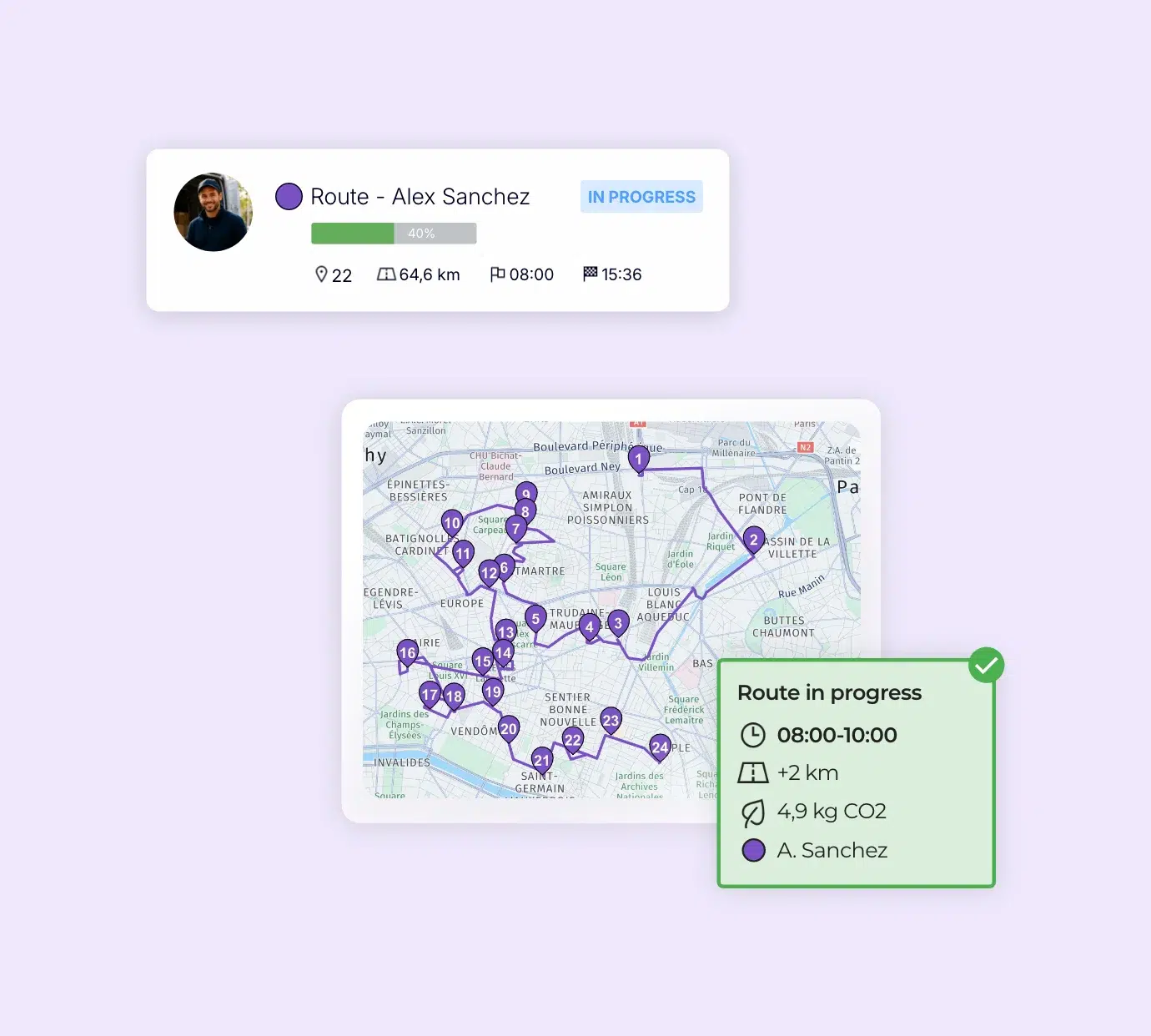
Assess the impact before making a decision
When an unexpected issue arises, every decision can have consequences for the stops that follow. With up-to-date information from the field, you can monitor route progress and identify the deliveries that require your attention.
This allows you to determine:
- which stops are directly affected;
- which drivers are impacted;
- which deliveries need to be prioritised;
- which changes could disrupt the rest of the day.
You make decisions based on up-to-date information, rather than relying on a schedule that is no longer accurate.
Limit the knock-on effect on other routes
The most difficult days aren’t always those when something exceptional happens. More often, they’re the days when several small delays and changes start to add up.
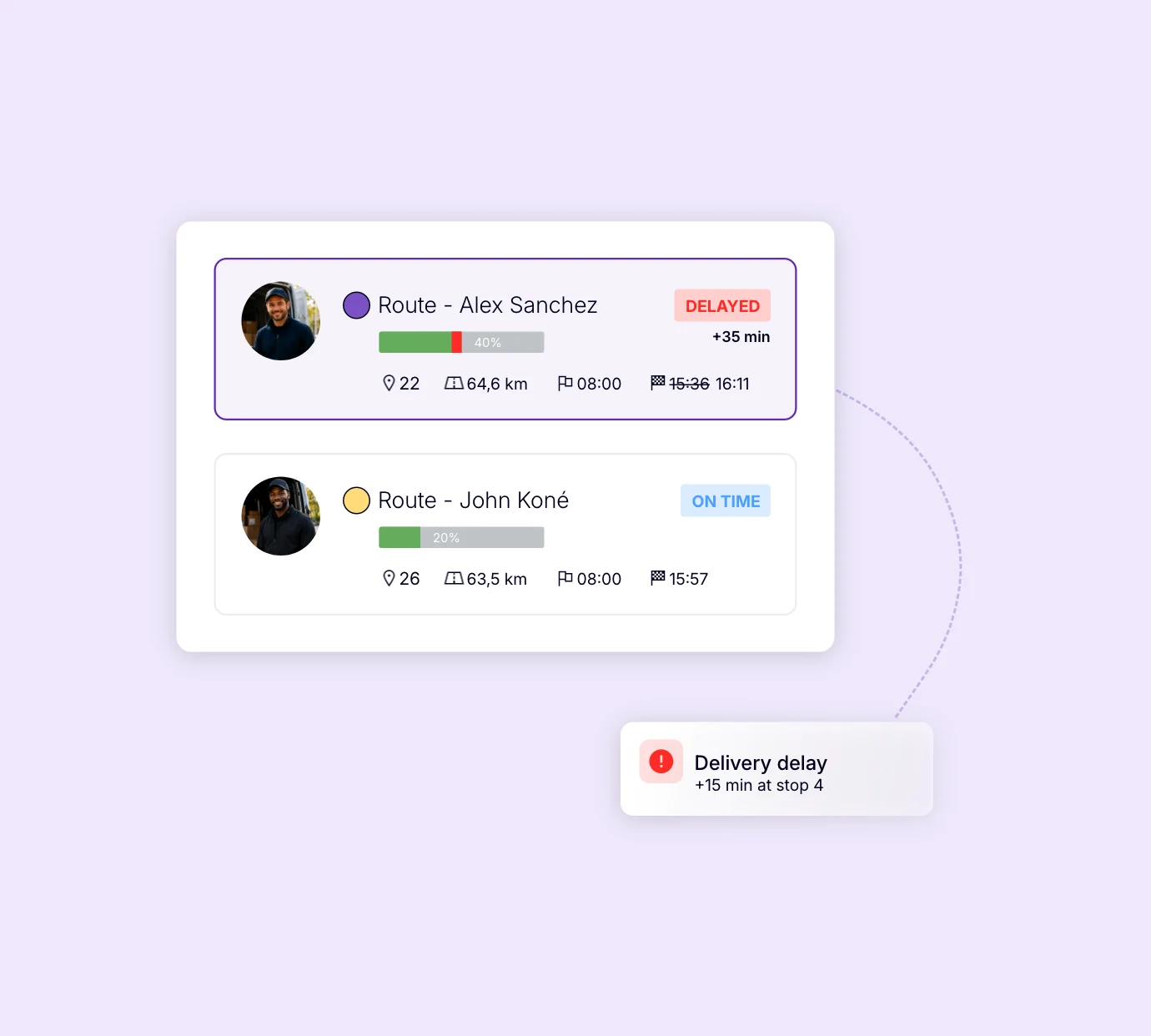
Without the right tool, each change can trigger another: a delay pushes back subsequent time slots, an urgent delivery overloads a driver, and an unavailable customer means the entire schedule has to be reworked.
With AntsRoute, you adjust only what needs to change and preserve the overall logic of your operations as far as possible.
This helps protect the routes that can still run as planned and prevents an isolated issue from disrupting the entire day.
Keep the office and the field in sync
A decision is only truly effective when it is communicated immediately to the people concerned.
When a route is changed, the information is updated in the driver’s mobile app. The driver receives the new instructions directly on their smartphone and can continue their route with an up-to-date schedule.
Meanwhile, the office retains a complete overview of operations.
The result:
- fewer calls between the office and the field;
- less conflicting information;
- fewer instructions sent by SMS or messaging apps;
- drivers are informed more quickly;
- smoother coordination throughout the day.
Make the right decisions faster
When something unexpected happens, the time spent searching for information can be just as disruptive as the issue itself.
With a centralised view of your routes, you can quickly assess the different options: keep the existing schedule, change the order of stops, reschedule a delivery, reassign a job or add an urgent delivery. You choose the most appropriate solution for the situation, without starting from scratch.
You can take action at the right time, without carrying out multiple checks or piecing together the situation from calls, messages or different files.
Better management of unexpected issues benefits your entire organisation

For the operations team
You can identify priorities more quickly, make better decisions and spend less time reorganising routes or coordinating teams.

For drivers
New instructions are sent directly to the mobile app. Drivers can continue their route with an up-to-date schedule, without the need for repeated calls.

For your customers
Unexpected issues are handled more effectively, helping you maintain on-time performance and provide a more reliable delivery experience, even as plans change throughout the day.
Delivery management
Managing unexpected issues builds on route optimisation
Managing unexpected issues is one of the pillars of delivery management. It complements initial route optimisation, driver tracking, proof of delivery collection and performance analysis.
Frequently asked questions about managing route changes
Yes. From the web interface, you can add, cancel, reschedule or reassign a delivery, change the order of stops or move a stop to the end of the route.
Drivers can also make changes from the mobile app in certain situations, for example by adding a nearby unassigned delivery or rescheduling a stop when a customer is unavailable.
Yes. When a route is changed, the information is updated in the mobile app. The driver receives a notification on their smartphone and can immediately access their updated schedule. This avoids having to communicate every change by phone or message.
No. You can make changes only to the affected stops or routes. AntsRoute allows you to adapt your operations while preserving the overall logic of the day as far as possible.
Yes. A delivery can be moved to another route when the situation requires it, for example if a driver is significantly delayed, unavailable or has too heavy a workload.
The relevant driver then receives the new stop in their mobile app.
You retain a complete overview of route progress and can identify the stops that require priority action.
You can then reschedule, reassign, cancel or move the affected deliveries, without losing sight of the other routes already in progress.
Yes. A stop can be moved to later in the route or rescheduled, depending on your operations and the options available for the rest of the day.
Drivers can also move a stop to the end of their route directly from the mobile app.
What if you tested AntsRoute on your own routes?
Optimisation really comes into its own when it’s applied to your real-world constraints on an actual day of deliveries.
7-day free trial. No commitment.