December 2025: What’s new in AntsRoute?
Blog > Product updates > December 2025: What’s new in AntsRoute?
December 2025: What’s new in AntsRoute?
Published on 15 December 2025 • Reading time: 6 min read
This December brings several improvements designed to make organizing your routes even smoother and more efficient.
On the agenda: new types of notifications, new planning settings, a simplified interface, technical enhancements, and even some new features on the API and webhook side.
Ready to discover the latest updates of 2025?
Table of contents:
- Optimization: automatic pre-selection of the best scoring time slot
- On hold / confirmation: choosing time slots automatically adjusted
- Notification triggers: putting on hold and postponing a work order
- Booking site : allow (or not) your customers to reschedule their appointments
- Import of recurring orders: enable or disable the feature
- What are the other new features?

Optimization: automatic pre-selection of the best scoring time slot
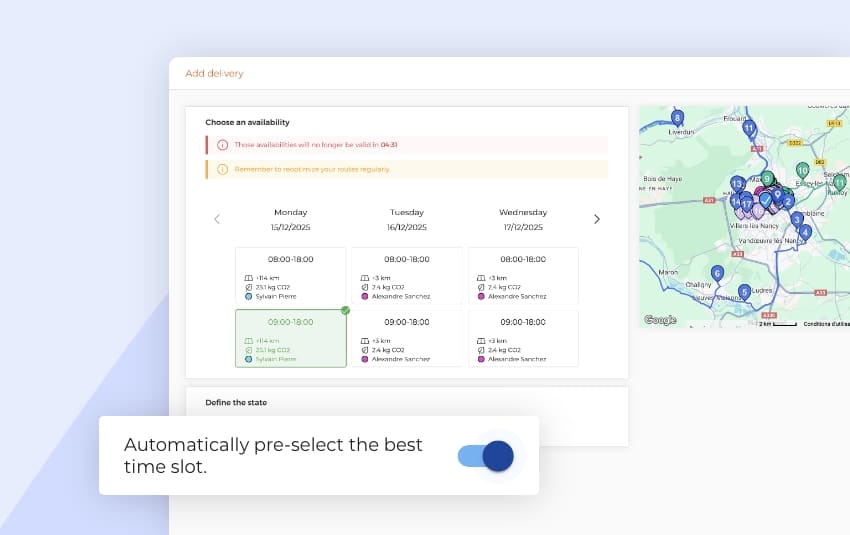
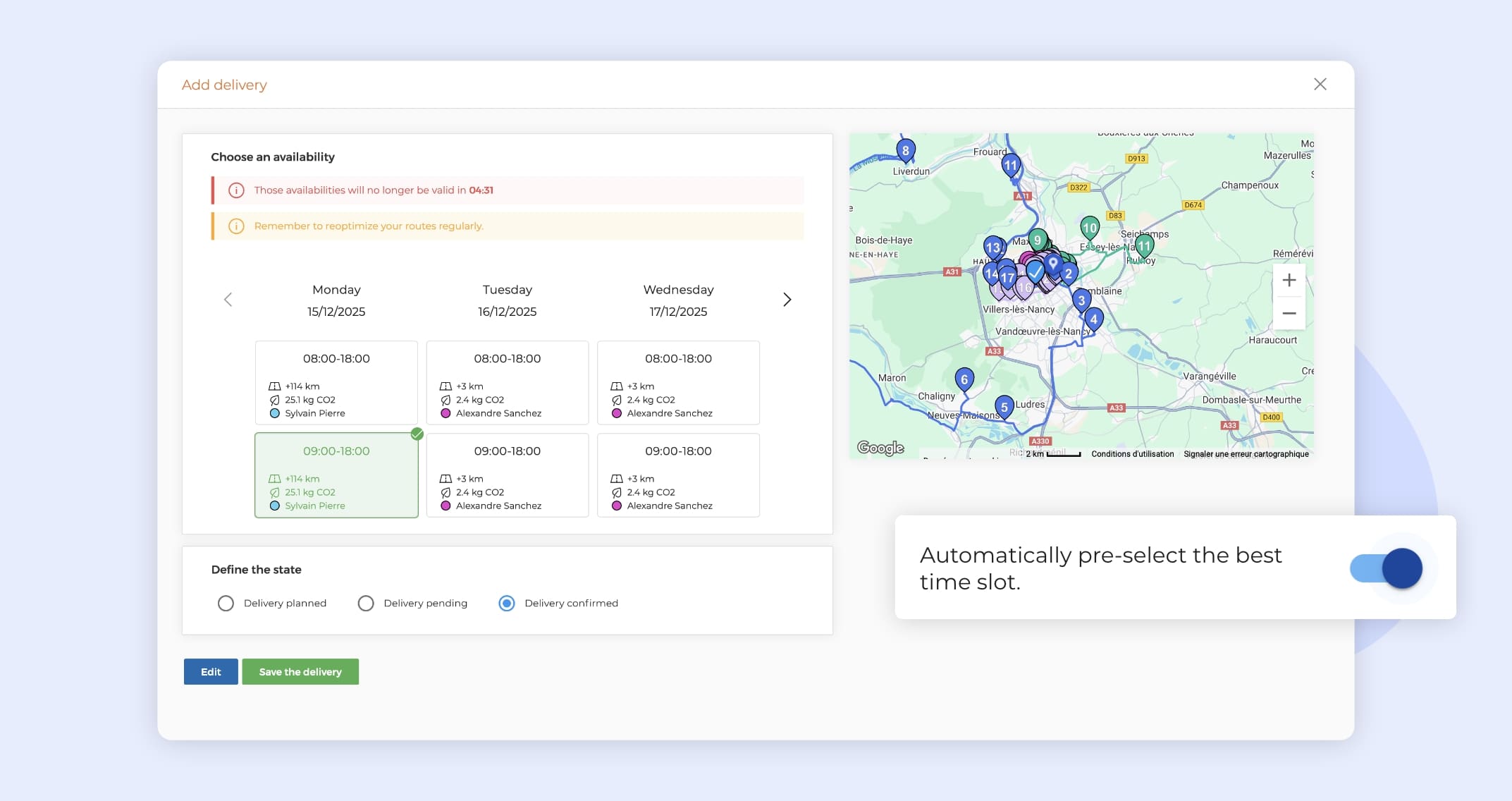
Until now, when you used the work order planning mode with scoring, the first available time slot in the list was selected by default.
Good news: a new setting now lets you automatically pre-select the best time slot, meaning:
- the one that requires the fewest additional kilometers,
- and the one that is closest in time.
In short, AntsRoute now suggests the most optimized slot for your routes right away.
How to enable pre-selection of the best time slot
- Go to “Settings” > “Optimization Settings”.
- Enable the option “Automatically pre-select the best time slot”.
- Click “Save”.
➡️ To learn more about how to configure this feature, please refer to our dedicated support article.
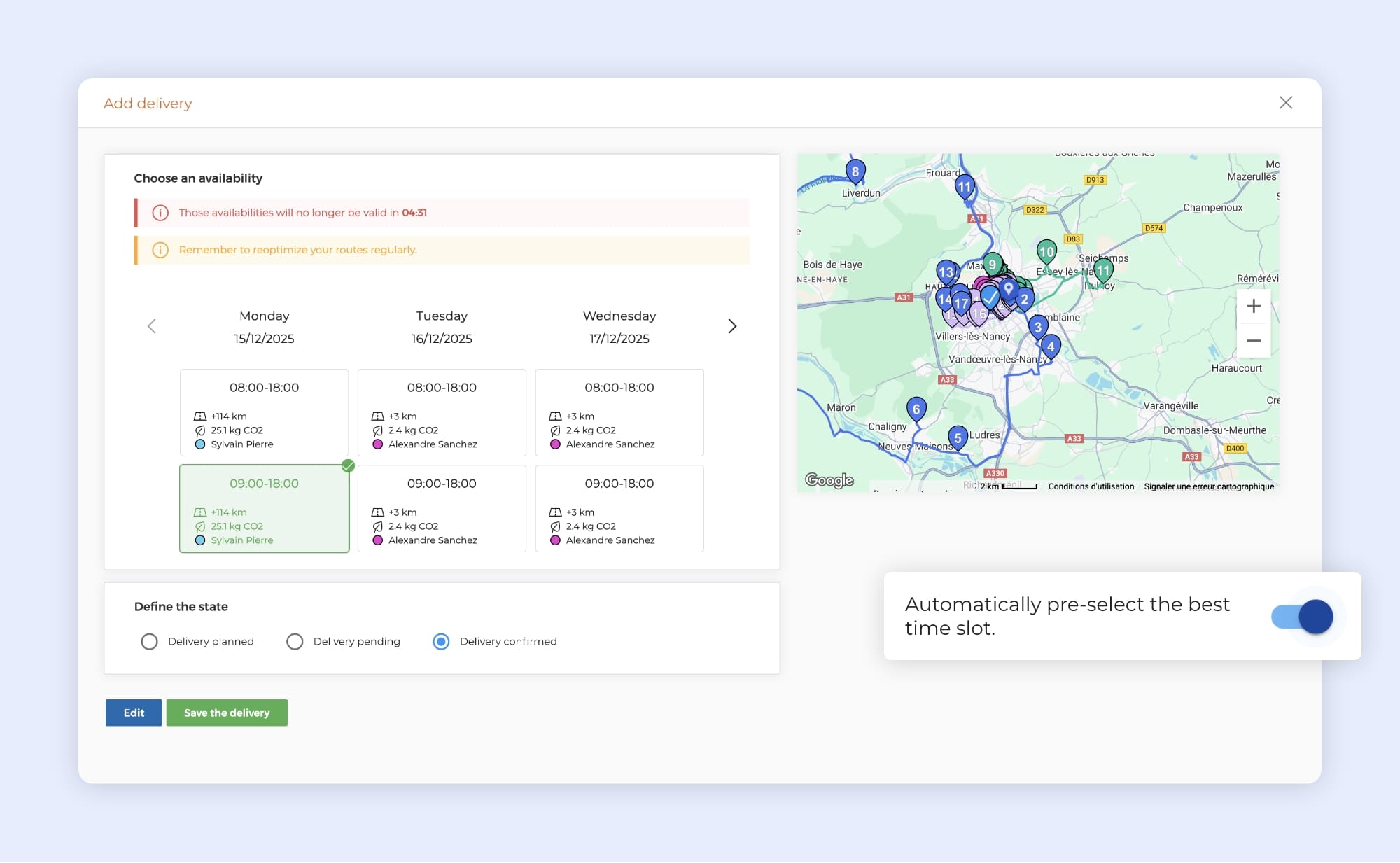
Automatic pre-selection of a delivery time slot on AntsRoute.
On hold / confirmation: choosing time slots automatically adjusted
If you already use our feature that automatically adjusts time slots when putting an order on hold or confirming it, a new option has just been introduced in AntsRoute.
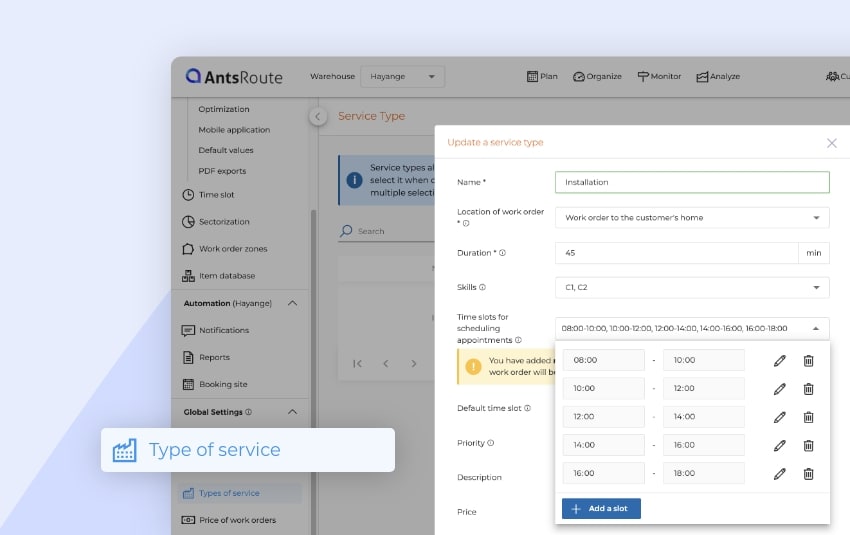
You can now precisely select which time slots this automatic adjustment will apply to during the on-hold or confirmation process. Until now, the adjustment was applied to all time slots.
How to configure the time slots to be adjusted
- Go to the “Settings” module.
- Click on “General Settings”.
- Enable the option “Automatically adjust time slots when putting on hold or confirming”.
- Select the time slots to adjust.
- Click “Save”.
Note: By default, all time slots are selected.
Reminder: what is putting a task on hold or confirming it used for?
Putting a work order on hold or confirming it is particularly useful, especially if you use notifications sent to your customers. It allows you to:
- Identify orders for which you are waiting for or have received a customer’s availability confirmation.
- Prioritize certain orders over others during route optimization.
- Communicate a more precise time window to your customers.
For example, if an order is scheduled within a broad time slot (e.g., 9:00 a.m. – 6:00 p.m.), putting it on hold makes it possible to narrow this window down to the smallest compatible time slot defined in Settings > Time slots, such as 5:00 p.m. – 6:00 p.m.
☝️ The first two uses do not require any specific settings.
However, to automatically refine time slots when putting a work order on hold, you must first enable the corresponding option in the settings, as explained above.
➡️ To learn more, please read our support articles on putting a work order on hold and confirming an order.
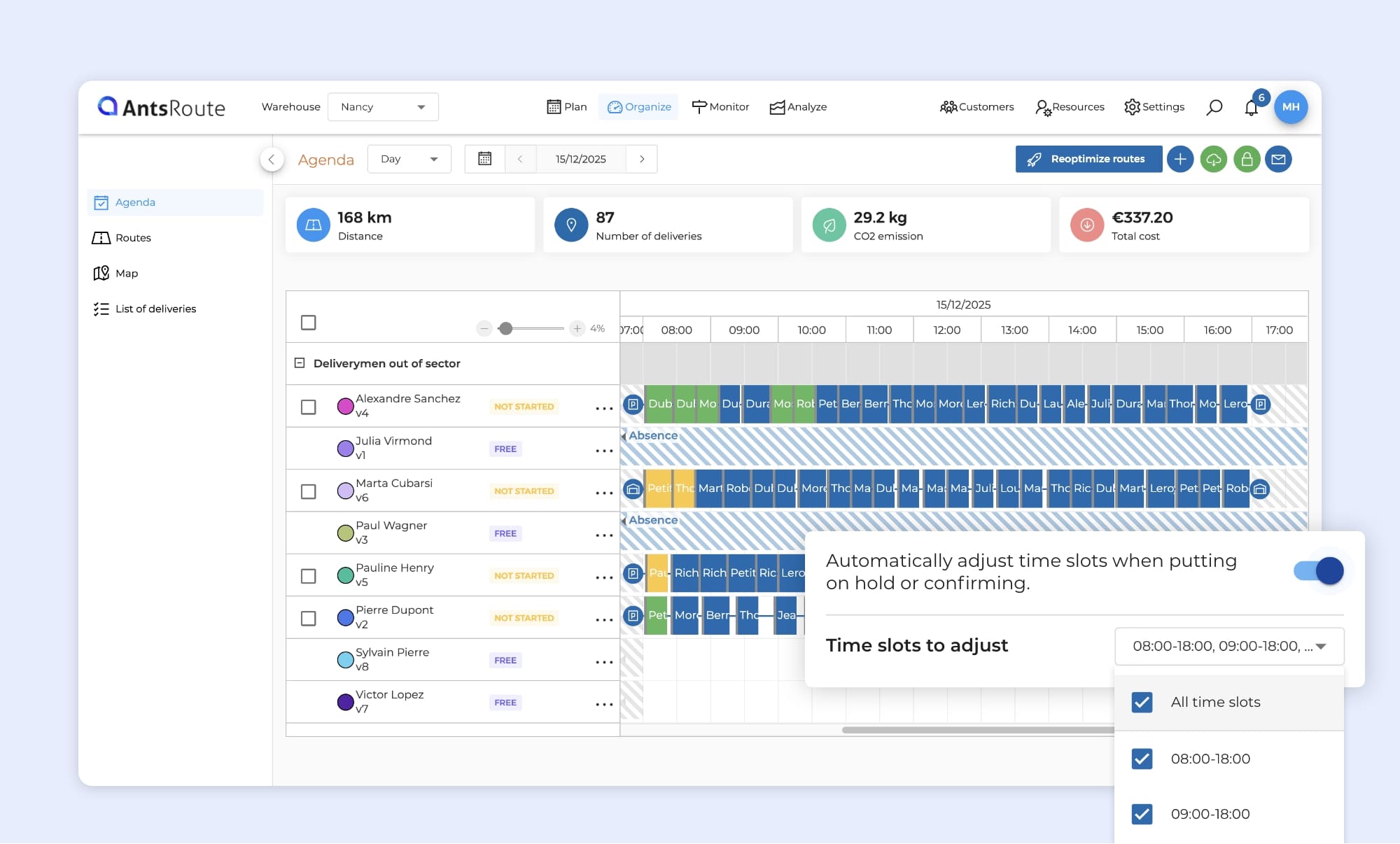
Adjustment of time slots when putting on hold / confirming orders on AntsRoute.
Notification triggers: putting on hold and postponing a work order
If you use our system for sending notifications to your customers, you should like this update. Two new automatic triggers are now available in AntsRoute:
- Automatically when an order is put on hold,
- Automatically when an order is postponed from the mobile app.
These notifications keep your customers informed in real time when their order is on hold or rescheduled, without any manual action from your teams.
How to set up these notifications
- Go to “Settings” > “Notifications”.
- From the “Notification Templates” tab, click “Add” to create a new template.
- Fill in the required information: channel, message content, etc.
- In the list of triggers, select:
- “When putting a work order on hold” or
- “When a work order is postponed”.
- Save your template.
What’s the Benefit?
By configuring these triggers, you:
- Reduce the number of incoming calls from customers asking about the status of their order,
- Provide a better customer experience through proactive communication,
- Automate as many repetitive tasks as possible for your planners and field teams.
➡️ To learn more, please refer to our support articles on automatic notifications when putting an order on hold and when postponing an order.
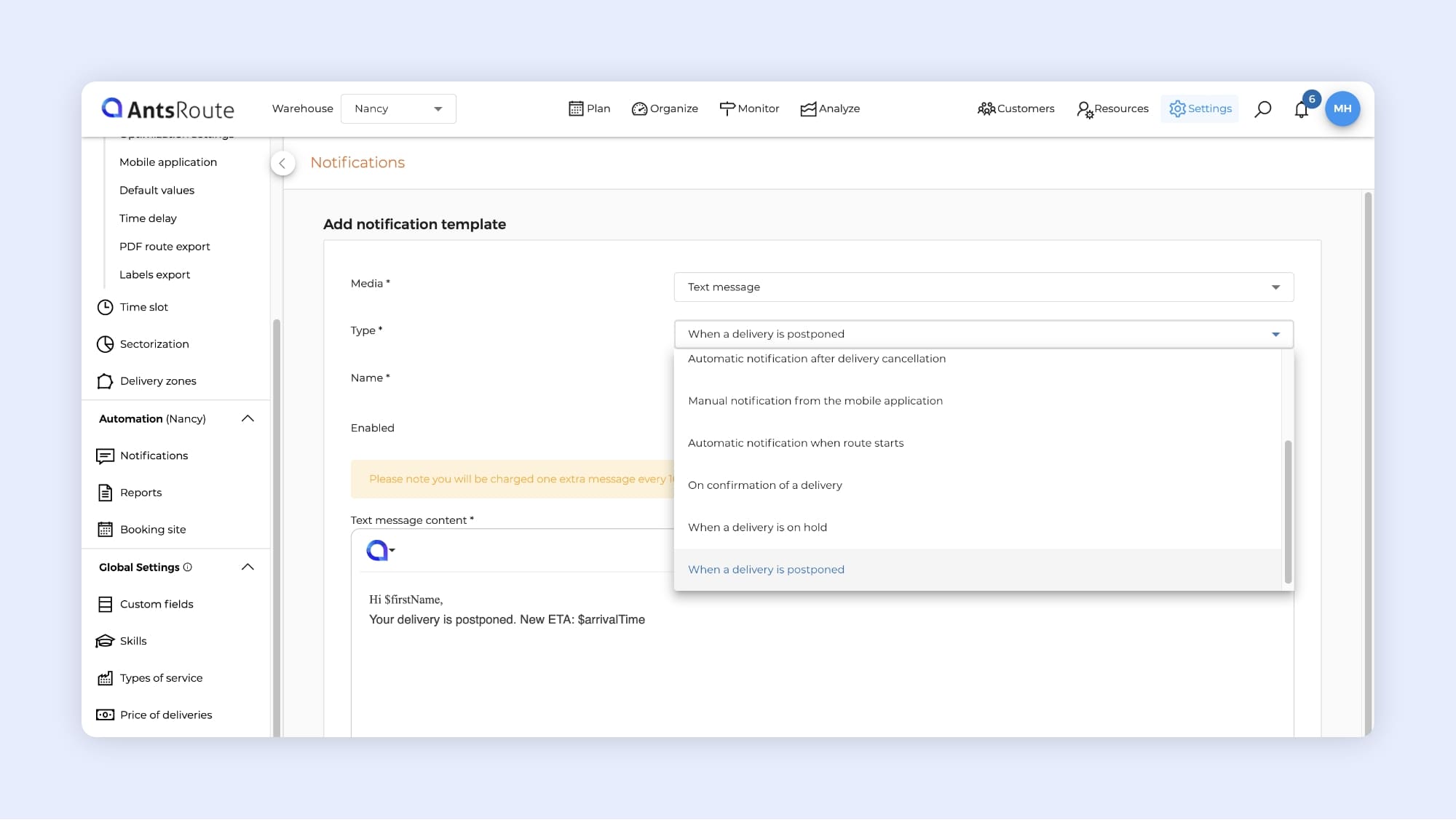
Creation of a notification template for delivery postponement on AntsRoute.
Booking site: allow (or not) your customers to reschedule their appointments
Another new feature this month on the AntsRoute booking site: you can now choose whether or not to allow your customers to reschedule their appointments.
In practical terms, once an appointment is booked, your customers access a summary page listing their upcoming appointments. From the details of each appointment, a “Move Appt.” button allows them to change the date and time of their appointment.
Until now, this button was always displayed. You now stay in control and can decide whether or not to offer this option to your customers.
How to enable or disable customer-side rescheduling
If you already have a booking site:
- Go to “Settings”.
- Click “Booking site”.
- Open the “Service types” tab.
- Check or uncheck “Allow customers to reschedule their deliveries”.
- Click “Save”.
➡️ To learn more about configuring the booking website, please read our dedicated support article.
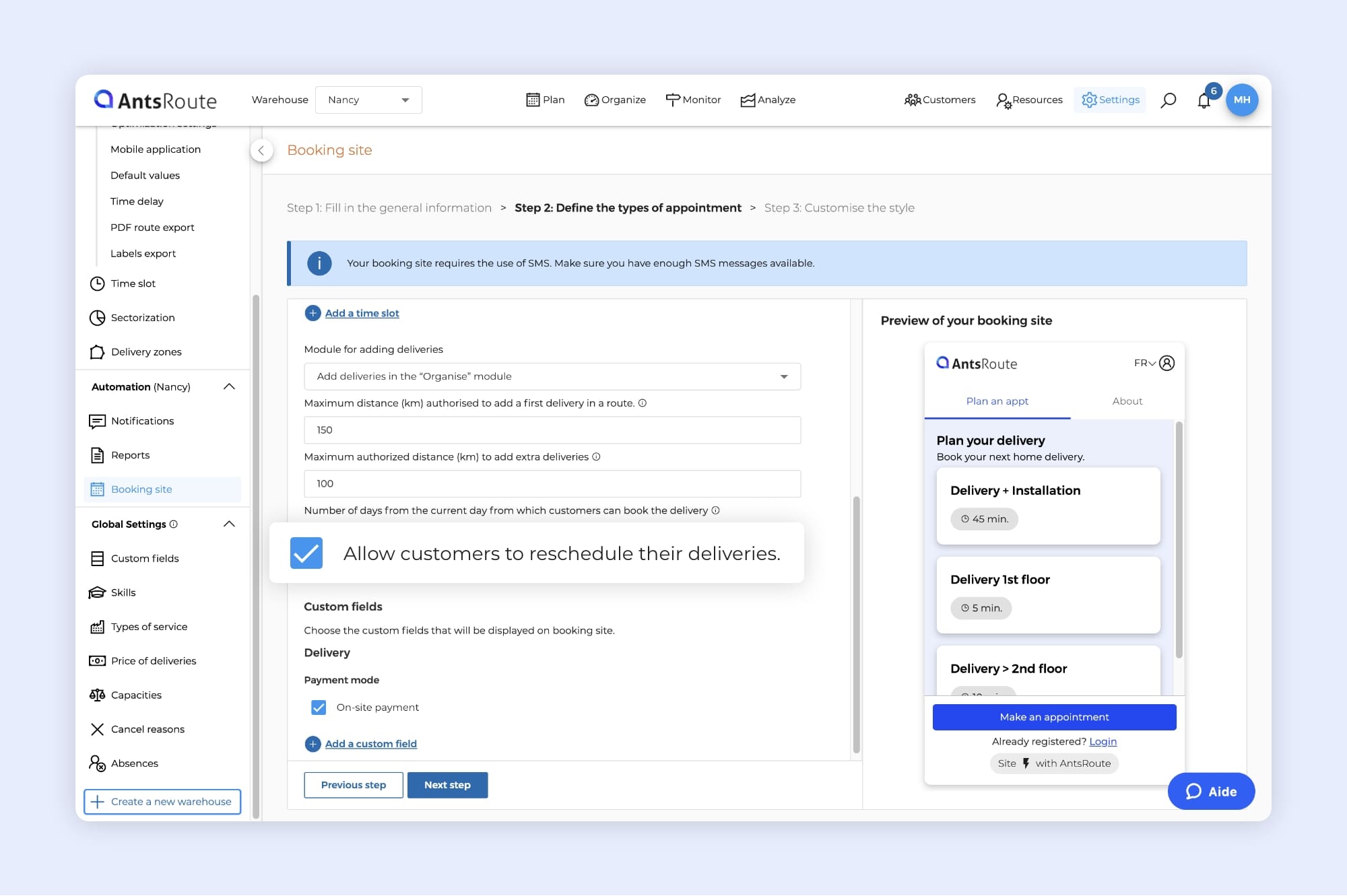
Activation of the “Allow customers to reschedule their deliveries” feature on AntsRoute.
Import of recurring orders: enable or disable the feature
In the latest AntsRoute product release, we introduced a long-awaited feature: the ability to add recurring work orders in bulk by importing an Excel or CSV file.
Until now, an “Import recurrences” tab was always visible in the “Plan” module. However, some users do not use this planning method. That’s why we’ve decided to let you choose whether to enable or hide it from the settings.
The benefit? A cleaner interface with fewer features displayed if they’re not useful to you.
How to enable or disable recurrence imports
- Go to the “Settings” module > “General Settings”.
- Find the option “Enable recurrence import”.
- Enable or disable the option depending on your needs.
- Save your changes.
Note: This option is disabled by default on all AntsRoute accounts. If you use this feature, you’ll need to enable it.
➡️ To learn more about configuring and using this feature, please read our dedicated support article on the import of recurrences.
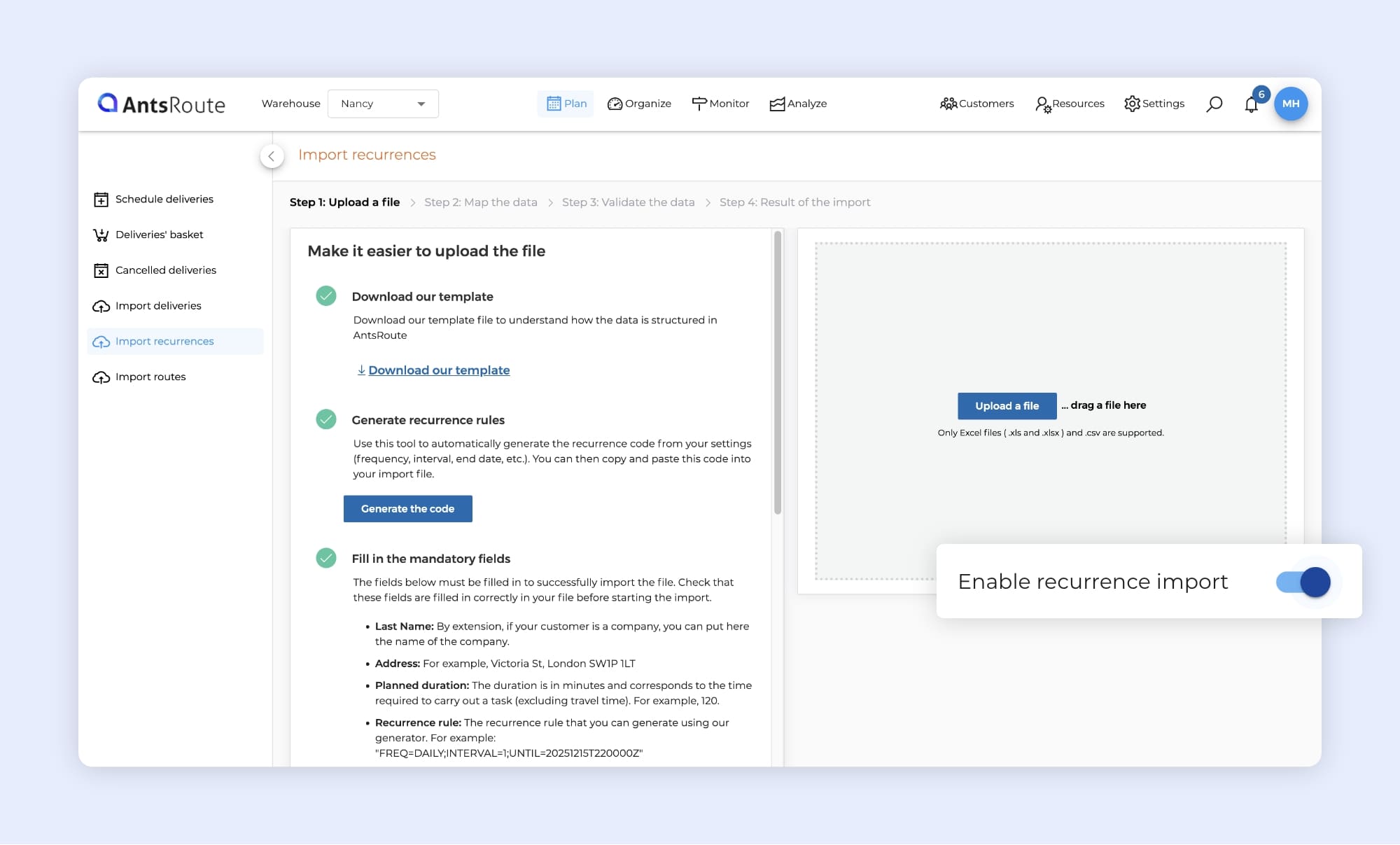
Activation of recurrence import on AntsRoute.
What are the other new features?
Webhook — Task assigned to a started route: A new webhook event is now available. It triggers when an order is assigned to a route that has already been started.
Public API — Updating parcels via PATCH “order”: The public API’s PATCH “order” endpoint can now be used to modify the packages associated with an order.
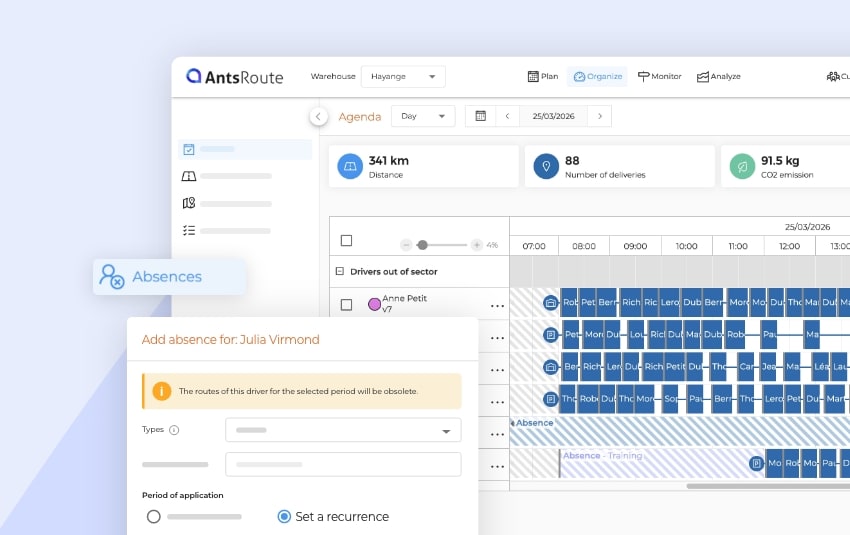
Interface — Single tab for absence types and non-working days: To simplify navigation in AntsRoute, we’ve merged the “Absence types” and “Non-working days” tabs into a single tab: “Absences.”
Good to know: you can now assign calendar of non-working days to multiple drivers in a single operation, directly when creating it. There is no longer any need to access each driver’s profile individually to make this assignment.
Questions? Feel free to contact our support team by filling out our contact form or directly via the chat available from your AntsRoute account. We’ll be happy to help.
WRITTEN BY

Marie Henrion
At AntsRoute, Marie has been the marketing manager since 2018. With a focus on last-mile logistics, she produces content that simplifies complex topics such as route optimization, the ecological transition, and customer satisfaction.
Optimise your Routes Today
Free 7-day trial | No credit card required
Contenu
- Optimization: automatic pre-selection of the best scoring time slot
- On hold / confirmation: choosing time slots automatically adjusted
- Notification triggers: putting on hold and postponing a work order
- Booking site: allow (or not) your customers to reschedule their appointments
- Import of recurring orders: enable or disable the feature
- What are the other new features?
- Optimise your Routes Today